SnakeMC
Drive N : User 0 • by productiondave
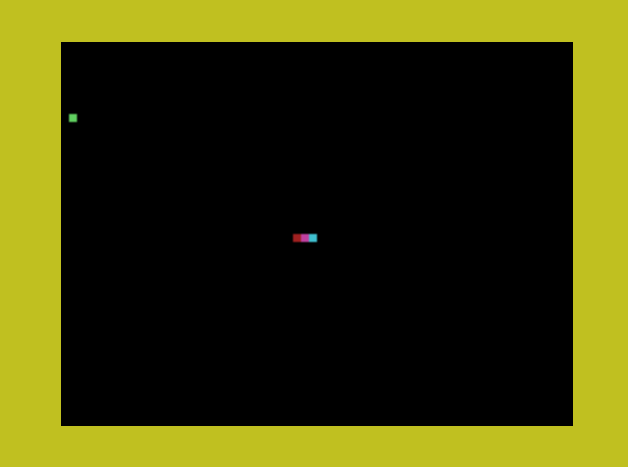
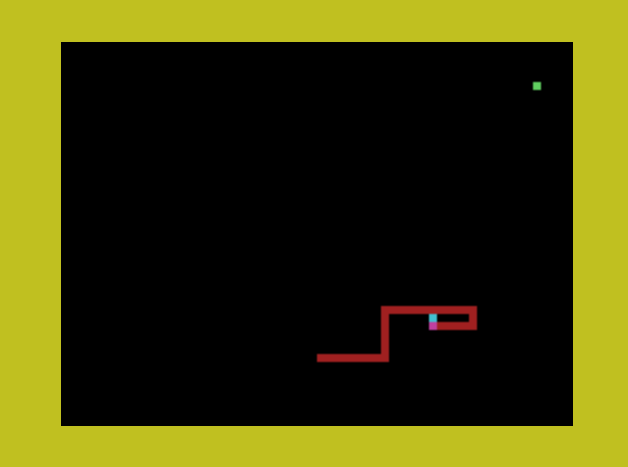
Created 2026-10-11 • Updated 2026-10-11GitHubSnake but in Multicolor Mode.
SNAKEMC.COM is located on the N: drive in user area 0. To run this, look in the Internet Adapter or Headless menu and select Cloud CPM. After CPM loads and you are presented with an A:0> prompt, type the drive (N:), and then type the user area (user 0). If you type DIR, look for the COM file (SNAKEMC.COM). Enter that filename at the prompt to execute SnakeMC.
The game is very simple. Just keep going until you crash. That's it.
Press SPACE to start when the game screen initializes and then use WASD on the keyboard to drive.
The game exits to CP/M when you crash and your score is printed to the console.
Notes:
Game only tested with F18A on a real NABU. I would like to know how horribly it performs on a stock NABU.
Location
Drive N : User 0
Files (1)
Screenshots