NABU Disassembled Software Stash
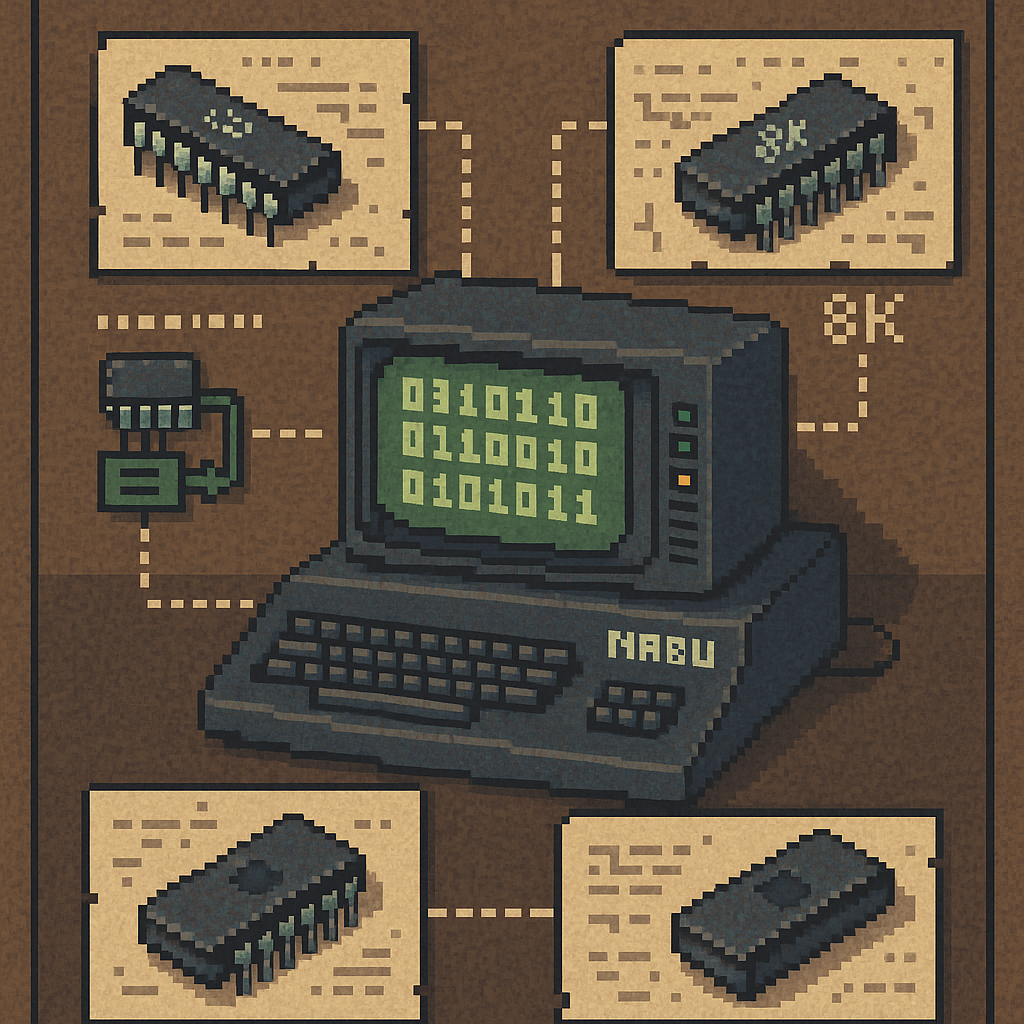
A collection of disassembled NABU software, including 8K and 4K ROMs, the communication protocol, the boot loader, and the IOS. The materials request that builders credit authors for their effort when building upon this knowledge.
NABU PC ROM (BIOS) Communication Protocol Definition
The NABU PC was engineered to boot and load software over a network rather than from local storage. The computer communicates with an external network adapter through a binary protocol via an I/O port.
Through the network protocol, the PC performs several functions: checking adapter presence, requesting status information, sending user-defined channel numbers, establishing download sessions, and receiving operating system and application data in blocks.
Modern solutions include the Internet Adapter, which emulates the original NABU Network Adapter and allows applications to be loaded from a PC onto the NABU.
The boot process depends entirely on proper protocol exchange. If the adapter doesn’t respond with the right handshakes and markers, the NABU PC won’t load anything — there’s no disk fallback in the default 4K NABU ROM. This makes understanding the protocol essential for emulation, hardware replacement, platform archiving, and system comprehension.
The protocol documentation defines each command, the handshakes, the block-transfer format, and adapter-behavior requirements for building compatible modern replacements.
Download NABU ROM Protocol PDF
Memory Map, ROM Shadowing, and Program Relocation
The NABU PC’s boot process is constrained by memory mapping at power-on and how programs relocate themselves after loading.
Summary
At power-on, the NABU maps ROM from 0x0000 to 0x1000 (4096 bytes), allowing safe Z80 boot initialization at 0x0. RAM above the ROM exists in an unknown state. The boot ROM downloads programs into RAM at 0x140D and executes from that location. The main menu includes a relocator that copies itself to upper RAM, moves the program to its execution address (0x0100), then transfers control.
ROM Must Execute at Address 0x0000
When the NABU PC powers on, RAM state is undefined. The CPU must begin execution from a known, stable address. The NABU hardware maps the boot ROM to address 0x0000, shadowing RAM at that location. Shadow ROM is enabled when the ROM bit at control port 0x00 is not set (0).
ROM shadowing is critical because:
- The CPU reset vector points to
0x0000. - RAM contents are unknown at power-on.
- ROM shadowing over RAM must remain visible at
0x0000for the system to boot.
Once the ROM initializes the system and begins the network-download process, control transfers to RAM-loaded code, and shadow ROM is disabled via the control port 0x00 bit.
Boot Loader and Download Address (0x140D)
With the standard 4 KB NABU ROM (the default configuration used by essentially all systems), the built-in boot loader downloads the application program into RAM starting at 0x140D.
This address is purposeful. The ROM and boot loader occupy the lower memory region and require space for:
- ROM shadow mapping.
- Boot-protocol handling.
- Download-buffer logic.
Downloaded programs cannot start at 0x0000 or 0x0100 directly. Instead, they are initially placed at 0x140D. When running the NABU Main Menu BOOTP, it moves to the final execution location via a relocator routine (0x100).
Note: an uncommon 8 KB ROM variant exists in a few systems but is not relevant for standard NABU software. The 8K ROM leaves 8K less available RAM than the 4K variant.
Relocators and Upper Memory Usage
The NABU Main Menu program includes a relocator (named BOOTP) that:
- Copies itself to upper RAM.
- Copies the main program data to its final execution address (commonly
0x0100). - Transfers control to the relocated program.
Note: homebrew software executes at 0x140D and does not relocate itself.
Why Relocators Need Extra RAM
A relocator must keep its original code intact while copying itself elsewhere. This means:
- The relocator must exist twice in memory simultaneously during relocation.
- Relocation requires 2× the relocator code size in free RAM.
- This space must exist above the downloaded program.
Insufficient space at RAM’s top for the relocator and its temporary copy will cause relocation failure.
Maximum Program Size Constraints
Due to ROM placement, download address, and relocation requirements, downloadable program size is constrained by memory layout. The usable memory range is 0x140D → 0xFFFF.
However, this entire region is not available to the program because space must be reserved for:
- The relocator.
- The relocator’s temporary copy.
- Stack usage during relocation.
In practice: Maximum Program Size = (0xFFFF − 0x140D + 1) − (Relocator Size × 2).
This means:
- Larger relocators reduce maximum program size.
- Programs with complex loaders or overlays must be smaller.
- Large applications must split into multiple downloadable stages.
Why This Design Exists
This memory layout reflects early-1980s design constraints:
- No disk storage.
- Network-only booting.
- Small ROM.
- No guaranteed RAM state at power-on.
- Programs written to be position-independent and relocatable.
Understanding this layout proves essential for:
- Writing custom NABU boot loaders.
- Building custom downloadable applications.
- Creating replacement network adapters.
- Designing modern toolchains for NABU software development.
NABU PC RevA (4K) ROM (BIOS) Disassembled
Detailed annotations to the 4K ROM include protocol information and ROM functionality. Coverage spans from cold start through self-test to OS loading.
Download NABU 4K RevA Annotated TXT
NABU PC RevB (8K) ROM (BIOS) Disassembled
The 8K RevB ROM has been disassembled with behavioral notes added. Several data areas were removed for readability, as this file was not intended to be compilable. It serves as reference material structured for easy comprehension.
Download NABU 8K RevB Annotated TXT
0x000001 Boot Loader w/ Main Menu
The ROM requests 0x000001 (also called the main menu) from the cycle, which contains a position-independent, self-relocating boot loader (called BOOTP). The boot-loader PAK payload contains the IOS (Input/Output System) and main menu. The boot loader executes from different memory locations and dynamically relocates the IOS code before transferring control.
NABU Boot Process
The NABU boot process is documented in great detail.