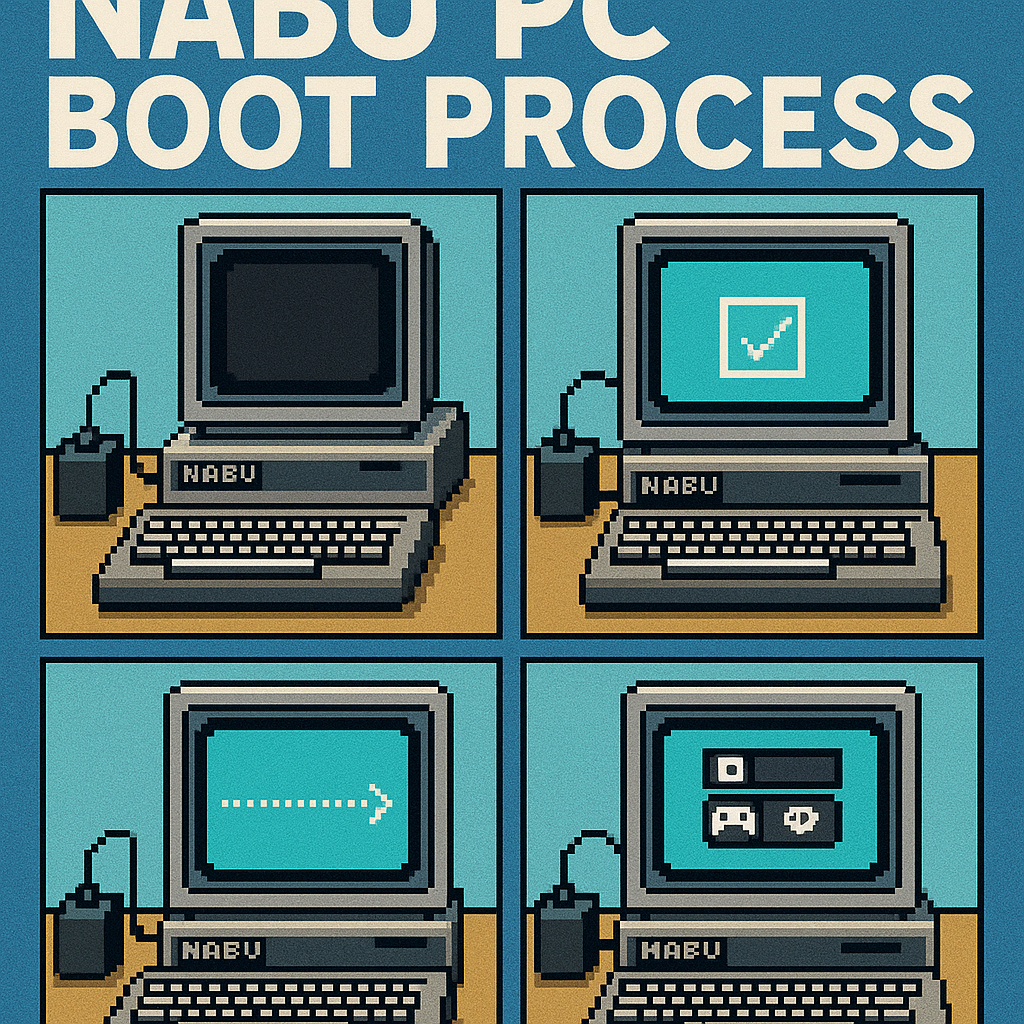
NABU PC Boot Process
The Canadian-made NABU PC created by The NABU Network Corporation was quite unique for its time. The company’s name, which made the Z80-powered micro, might give a hint as to why. Unlike the other home micros of the time, the NABU PC was designed without local storage and prioritized loading programs over a network provided by a cable modem. This section explains the process of how it worked.
NABU PC Boot Process
1. Power On/Reset
- The NABU PC has a 4k ROM. (8k was available on some dev machines, but only 3 or 4 people have one, so it’s not worth mentioning in this document. The Disassembled Software Stash annotates the 8k ROM.)
- ROM is enabled when the control port at
0x00has bit 0 (ROMSEL) unset. - ROMSEL is unset by default on power-on/reset, which means ROM shadow is enabled.
- The ROM shadows over RAM between
0x0000and0x0FFF.
Summary: The ROM may be selected or deselected with the software control port (0x00). When ROMSEL is set, any memory read request between addresses 0x0000 and 0x0FFF hex will be directed to the ROM; write requests to these addresses will go to RAM.
2. Z80 Execution Starts
Z80 cpu reset vector points to 0x0000 and begins running instructions which is a shadow of the ROM.
3. ROM Initializes Hardware
- Control register (
$00): sets video mode, all LEDs ON. - Stack pointer: initialized to
$FFEE(grows downward). - VDP (TMS9918): 8 registers initialized for video display.
- PSG (AY-3-9010): sound chip initialized to default state.
- Keyboard (8251A UART): serial controller reset and configured.
- RAM variables: cleared (bytes
$FFEFthrough$FFF7).
4. ROM Initializes Display
- Character pattern data (1280 bytes) loaded into VDP VRAM.
- Screen cleared (filled with spaces).
- NABU logo displayed.
5. ROM Reset Detection
- Checks memory locations
$FFFE-$FFFFfor magic value$A55A. - If found, skips self-tests and goes directly to OS loading (skip to step 7).
6. ROM Self Test
(if not warm reset)
a) Debug Mode Keyboard Sequence Detection:
- Polls keyboard for special sequence: Press “1” key 10 times.
- If detected within timeout, sets
DEBUG_FLAG($FFEF). - Debug mode enables additional error reporting.
b) ROM Checksum Verification:
- Calculates 16-bit sum of all ROM bytes (
$0000-$0FFD). - Compares result with stored checksum at
$0FFE-$0FFF. - Expected checksum: Low=
$CF, High=$3B. - Failure: Displays “ROM FAILURE” error.
c) VDP VRAM Test:
- Writes pattern 0-255 to VRAM starting at
$C000. - Reads back and verifies pattern.
- Writes complemented pattern, verifies complement.
- Tests VRAM read/write reliability.
- Failure: Displays “VIDEO FAILURE” error.
d) RAM Test:
- Tests RAM from
$2000to approximately$FEFF. - Writes pattern 0-255 sequentially.
- Reads back and verifies each byte.
- Complements each byte, writes, reads back, complements again.
- Verifies both original and complemented values.
- Tests each bit for stuck-at faults.
- Failure: Displays “RAM FAILURE” error.
e) PSG Register Test:
- Tests PSG registers 0-14.
- Writes patterns and reads back (only some registers are readable).
- Uses mask table to verify only readable bits.
- Failure: Displays “SOUND FAILURE” error.
f) Keyboard Hardware Test:
- Polls keyboard for key codes in range
$91-$94. - Verifies keyboard controller responds correctly.
- Failure: Displays “KEYBOARD FAILURE” error.
7) ROM Warm Reset / Software Load
Note: This step references HCCA commands between the NABU PC and Cable Adapter-Modem. That communication protocol has been documented HERE.
a) HCCA Communication Setup:
- HCCA is the interface to the external adapter (typically The Internet Adapter, or originally it was a cable TV modem-adapter).
- Tests HCCA status with the command
$83. - Sends reset command (
$01) and verifies response. - Sends test commands
$82,$10,$E1to verify adapter communication.
b) Channel Code Entry (if required):
- If bit 7 of
HCCA_STATUSis set, prompts for channel code. - Channel code: 4 hexadecimal digits (stored at
$FFF9-$FFFC). - 5th byte is checksum (stored at
$FFFB, overlaps with code). - Converts channel code to 16-bit value.
- Sends channel code to HCCA adapter (commands
$85).
c) OS Load Command Sequence:
- Sends command
$81to HCCA. - Sends sequence:
$8F,$05(OS load request).
d) Download OS/Program (Program PAK ID: 0x000001)
- Programs for the NABU have 24 bit PAK ID’s and the ROM will always request the PAK ID
0x000001upon bootup. - Received blocks are temporarily stored starting at
$100B. - Actual OS code is copied to the destination starting at
$140D. OS_DEST_POINTER($1008) tracks where the next block is written.OS_SIZE_ACCUM($1006) accumulates the total size transferred.- Total size stored at
$140B-$140C(OS_SIZE_LOW/HIGH).
8) ROM Launch’s Program
a) Warm Reset Flag Set:
- Writes
$A5to$FFFE(WARM_RESET_MAGIC_L). - Writes
$5Ato$FFFF(WARM_RESET_MAGIC_H). - This allows future boots to skip self-tests.
b) PSG Finalization:
- Configures PSG register 7 with value
$7F(Enables I/O ports, disables sound).
c) Control Transfer:
- Executes:
JP $140F(OS_JUMP_ADDRESS). - CPU jumps to address stored at
$140F. - This address is set by the downloaded OS program.
- Typically points to the OS entry point (often
$140Dor nearby).
9) Program Execution (0x140F)
- Downloaded program takes control.
- ROM is disabled (control register (
0x00) bit 0 = 1). - CPU executes code from RAM at
0x140F.
This is where a NABU homebrew application can begin running. Now that it has been loaded starting at 0x140D, the program execution will begin at 0x140F. This is why all homebrew applications have 2 NOP’s at the start because the program is loaded starting at 0x140D but executed at 0x140F.
To create a homebrew application, build your program with ORG set to 0x140D and add two NOPs at the start of your program. When the NABU ROM requests PAK 0x000001, send your homebrew application.
NABU Main Menu (IOS) Boot
Note: this section only applies to booting the NABU original Main Menu and IOS. If a homebrew application is loaded in the steps above, it has already been launched, and this section doesn’t apply.
Lack Of Helper ROM: NABU does not include a “helper ROM,” as found in other systems such as the MSX or Coleco. Those ROMs provide reusable functions to aid with software development. Their built-in functions provide access to graphics, text, I/O, and sound helper routines. The NABU ROM does not include these routines. As you can see from the steps above, the ROM only supports downloading a program into RAM and executing it. As you saw in the ROM process above, the default application PAK ID loaded into NABU RAM is 0x000001.
IOS & BDOS: Instead of including a “helper ROM”, the PAK 0x000001 contains the main menu, helper functions called IOS, and CPM compatible BDOS routines. Similar to CPM, PAGE zero is configured (0x0000 to 0x00ff) with a compatible layout. The only difference is that an additional JR address is specified in the IOS function lookup table, which operates similarly to the CPM BDOS lookup table, except that it lacks disk BDOS commands.
1. 0x000001 BOOTP (v3.0)
The “Main Menu”, which includes the IOS is loaded starting at 0x140D and execution starts at 0x140F.
0x140F is where the BootP loader/relocator begins to execute. It parses a payload header structure and loads/executes the payload program into memory. This is a position-independent, self-relocating boot loader for the NABU PC IOS (Input/Output System) and main menu. It can execute from different memory locations and dynamically relocates the main menu and IOS code before transferring control.
2. Memory Detection
The boot loader/relocator is position-independent, meaning it can run anywhere in memory. Throughout the program, JR instructions are used, which are relative jumps rather than specific-address jumps. In addition, the loader needs to know where in RAM it is executing.
How the BootP determines its location in RAM:
- Writes a
RETinstruction (0xC9) to address0000h. - Calls this
RETaddress. - When
RETexecutes, it pops the return address onto the stack. - Reads that return address from the stack.
- Uses this to determine where the code is actually running in memory.
3. Program Data Structure Location
To determine where the application data should be written, the PAK 0x000001 includes a payload with a data header.
- Subtracts 35 bytes (
0x23) from the return address of the memory detection routine. - This points to an embedded IOS data structure (35 bytes before the return address).
- This data structure contains all information needed to relocate and start the IOS.
4. Data Structure Parsing
The boot loader parses the IOS data structure to extract the following values:
- Offset field: Used to navigate within the structure.
- Data size: Size of data to be copied.
- Jump address: Where to transfer control after loading.
- Destination pointer: Where to copy the IOS code.
- Source pointer: Where the IOS code currently is.
- Block size: Size of the code block.
- Stack pointer: New stack location (defaults to
0x00C0if not set).
5. Data Relocation
The payload of the bootp loader will now be relocated to the values specified in the header of the data structure parsed above.
- Copies the IOS code from its current location to its target location.
- Uses
LDDR(block copy backwards) to avoid overlap issues. - Copies from end to beginning (safe for overlapping regions).
This is achieved with dynamic code generation.
- Sets up
BC,HL, andDEregisters with pointers from the data structure. - Sets up the new stack pointer that includes the Main Menu entry address after relocation.
- Writes
LDIRinstruction (0xED 0xB0) to address000Eh(trampoline). - Prepares jump instruction for control transfer.
- Pushes the jump address (return address for IOS).
- Jumps to the
LDIRtrampoline at000Eh, which executes theLDIRinstruction and begins copying the payload to its destination.
6. Execute Main Menu Application
At this point, the bootp loader has relocated the payload which includes the main menu, IOS and BDOS. It will now execute the Main Menu by jumping to the entry address pushed to the stack in the previous step, before executing the relocation code.
Main Menu
At this point:
- The IOS and BDOS is loaded in high ram.
- Page zero (
0x0000to0x00FF) has been configured with pointers to IOS and BDOS function tables. - The Main Menu will now be running.
The function helpers of the NABU IOS environment are defined in the NABU Technical Specifications document.
View NABU Specifications Document (PDF)
Further Reading
For further reading, you may wish to view the decompiled and annotated NABU ROMs and BOOTP.